 Tools
ToolsSimple, Clean To-Do Lists That Actually Stay Simple
Most to-do list apps try to do everything — and end up getting in the way. They add unnecessary features, rigid workflows, and clutter that makes simple task management harder than it should be.
SimpliTools To-Do Lists were built for people who want a clean, flexible to-do list without distractions.
This feature exists because I couldn’t find a to-do app that worked the way I wanted — so I built it myself.
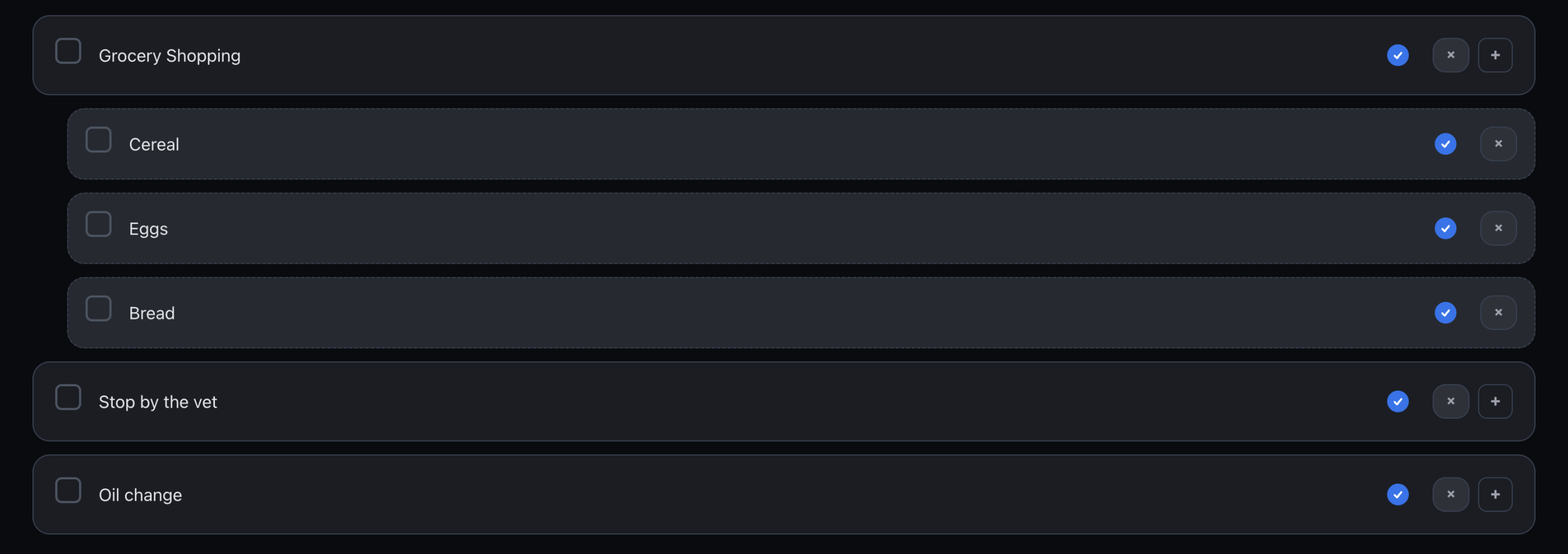
A Minimal To-Do List App Designed for Real Work
At its core, SimpliTools focuses on what a to-do list should do well:
-
Let you create tasks quickly
-
Keep lists organized without friction
-
Stay visually clean and easy to scan
-
Get out of your way so you can focus
Whether you’re managing personal tasks, work projects, onboarding checklists, or short-term plans, SimpliTools keeps everything simple and readable.
Multiple To-Do Lists for Different Parts of Your Life
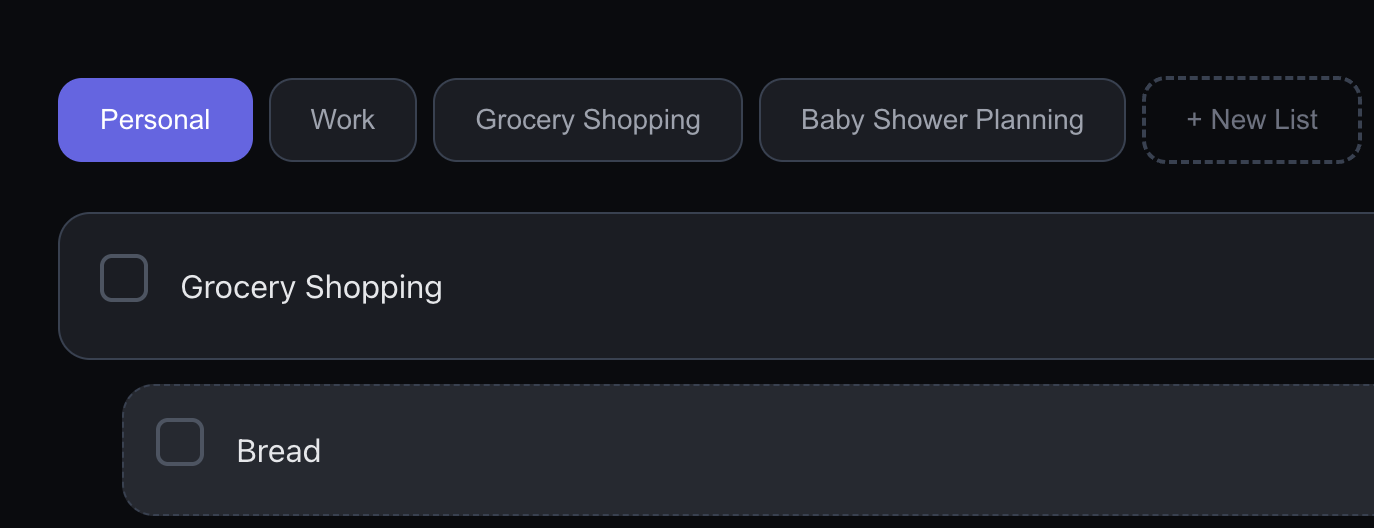
SimpliTools allows you to create multiple to-do lists, each dedicated to a specific purpose.
Common examples include:
-
Personal tasks
-
Work projects
-
App ideas
-
Onboarding or training lists
-
Event or holiday planning
-
Temporary lists for short-term needs
Each list is independent and fast to switch between — no tags, no forced categories, and no complex setup.
Nested Tasks with Simple Indentation
Not every task stands alone. Some tasks naturally belong under others.
With SimpliTools, you can indent tasks under parent items to:
-
Break large tasks into smaller steps
-
Group related actions together
-
Keep context without cluttering your list
Indentation is available when you need it and invisible when you don’t, keeping your to-do lists flexible instead of rigid.
Mark Tasks Complete and Clear Them When You’re Ready
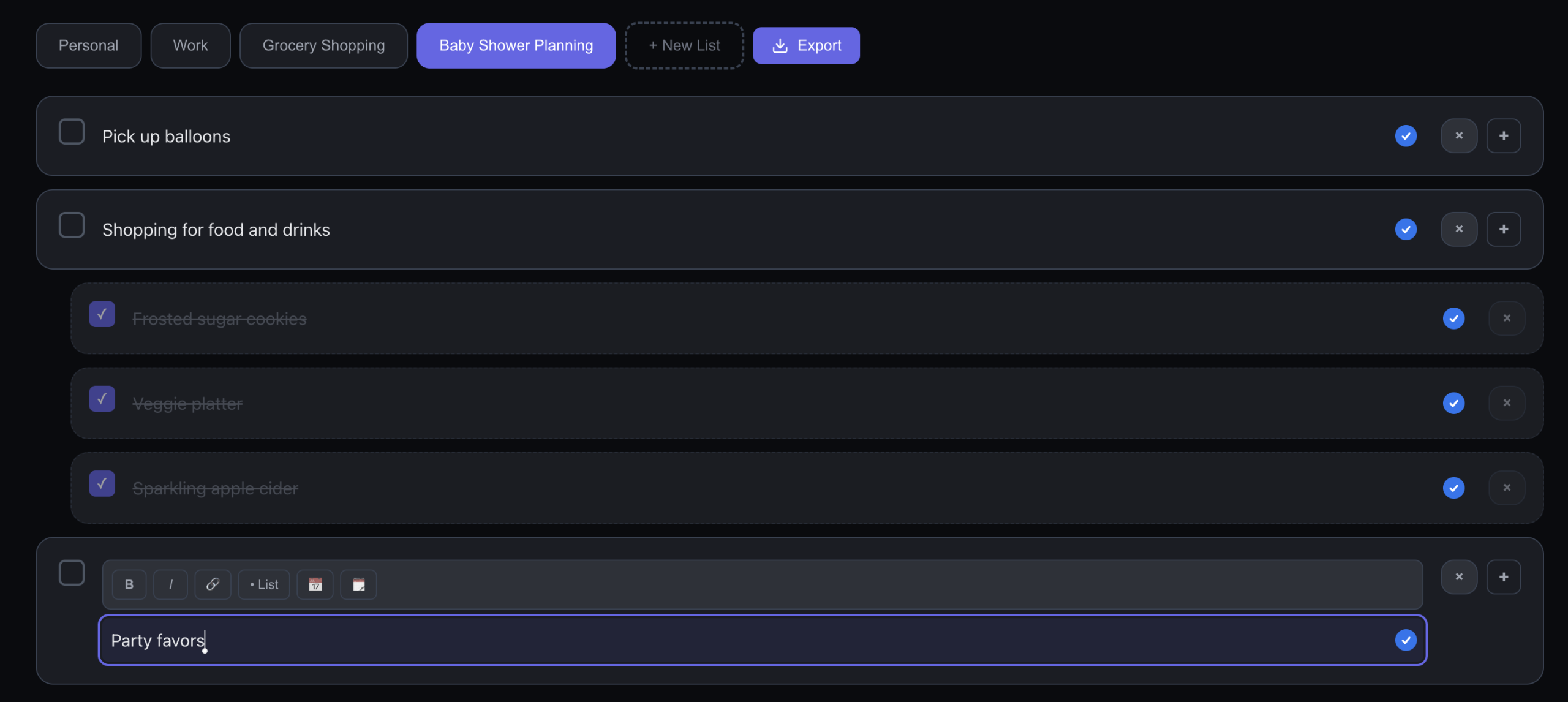
A clean to-do list helps you stay focused.
-
Check off completed tasks as you finish them
-
Keep completed items visible for reference
-
Clear all completed tasks with a single click when you’re ready
You stay in control of what remains visible, without losing progress prematurely.
Export Your To-Do Lists Anytime (One-Time Upgrade)
For users who want full control of their data, SimpliTools offers to-do list export as a paid feature.
You can export your lists in:
-
CSV format
-
Excel-compatible files
This is available as a one-time purchase, not a subscription. Export your data anytime for backups, reporting, or use in other tools.
Light and Dark Mode Built In
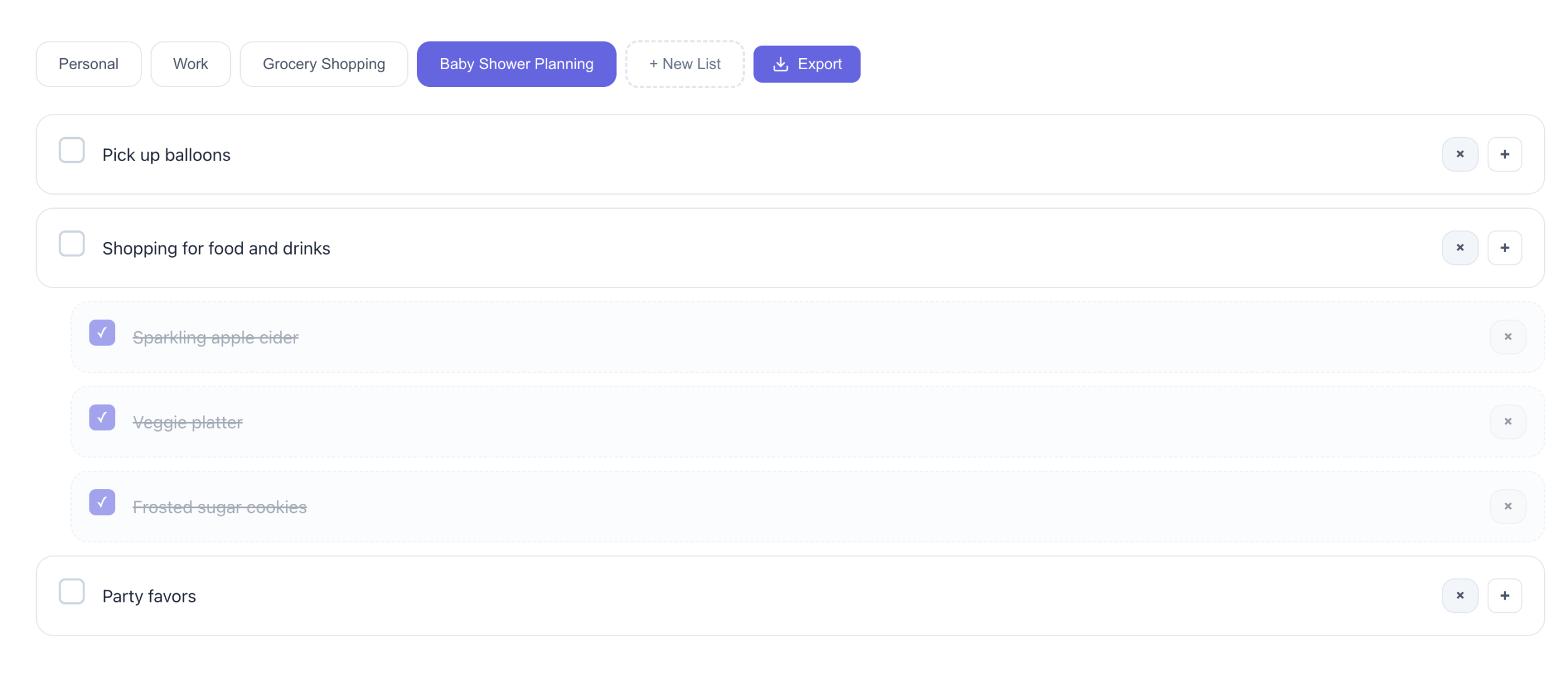
SimpliTools supports both light mode and dark mode, so your to-do lists are comfortable to use in any environment.
-
Clean light mode for daytime work
-
Carefully tuned dark mode for low-light conditions
-
Consistent layout and behavior across both modes
Your lists stay easy to read, whether you’re working early in the morning or late at night.
A To-Do List App That Respects Your Time
SimpliTools isn’t trying to reinvent productivity.
It’s designed to support how people already work.
No clutter.
No forced workflows.
No unnecessary features.
Just a simple, reliable to-do list you can trust.
To-Do Lists FAQ
What makes SimpliTools different from other to-do list apps?
SimpliTools focuses on simplicity. Instead of complex systems and distractions, it provides clean lists, fast task management, and flexible organization without forcing you into a specific workflow.
Can I create multiple to-do lists?
Yes. You can create as many separate to-do lists as you need for work, personal tasks, projects, or temporary planning.
Does SimpliTools support nested or sub-tasks?
Yes. Tasks can be indented under other tasks, making it easy to break down larger items into smaller steps without cluttering your list.
Can I export my to-do lists?
Yes. Paid accounts can export to-do lists in CSV and Excel-compatible formats using a one-time purchase option.
Is SimpliTools subscription-based?
No. Core features are available without a subscription, and optional features like exports are available via a one-time purchase.
How much does it cost?
SimpliTools is free! We do offer a one-time paid upgrade which includes the removal of ads, export functionality, and Google Calendar Integration.